




Your Daily Klyk


Latest Articles
 Cyber
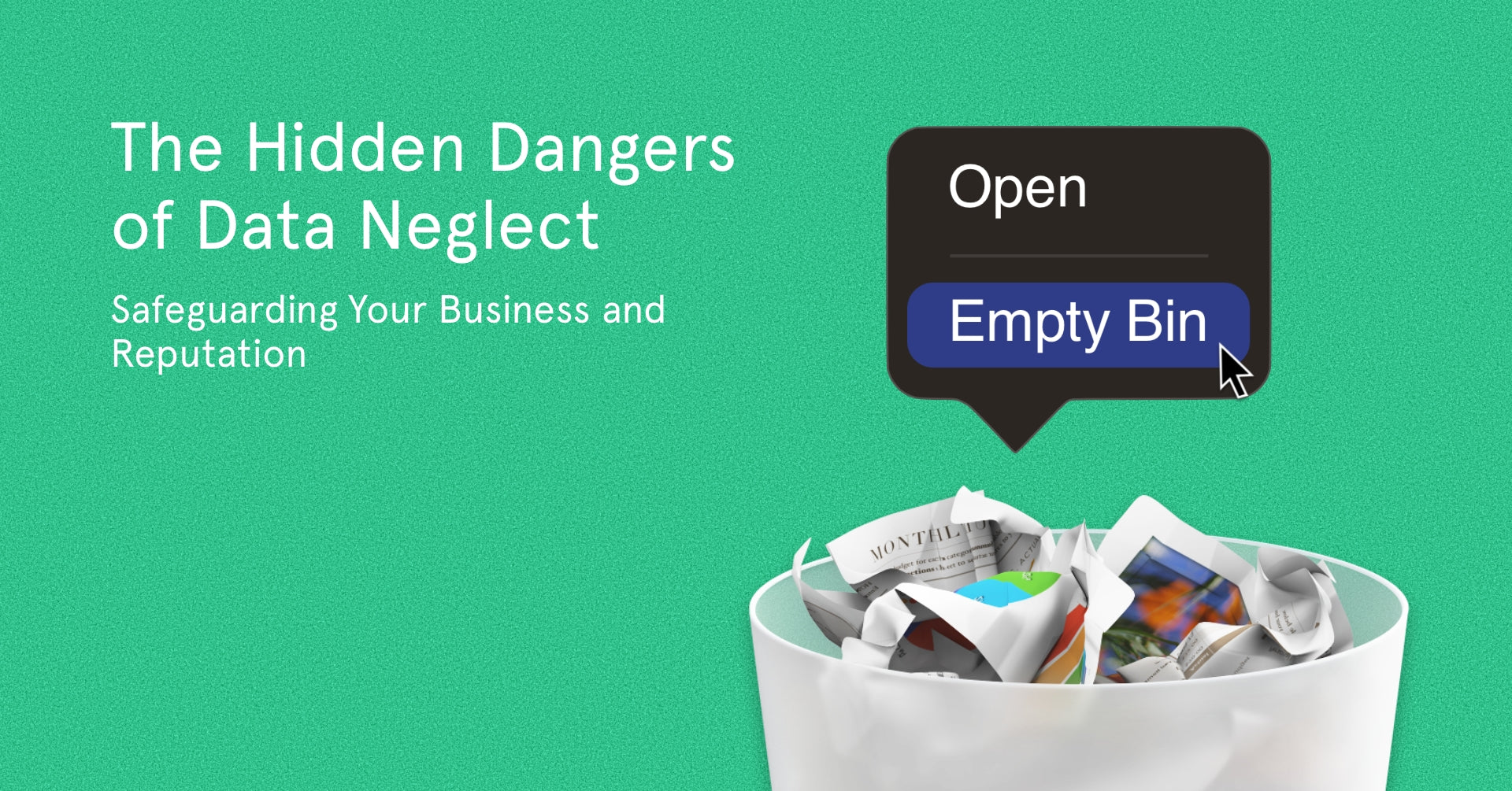
CyberThe Hidden Dangers of Data Neglect: Safeguarding Your Business and Reputation
Understanding Data Erasure, Risks, and the Importance of Secure Data Handling It's become normal to have access to all of your business's data in the palm of your hand. We no longer worry about managing paperwork and securing folders crammed full of sensitive information. For businesses, most records have been moved to cloud-based services, reducing the worry of data loss if a device has issues. But, having all your data stored within devices brings its own risks, such as security breaches. Today we'll outline one of the more overlooked risks, data erasure, showcasing the risks, consequences and path to ensuring you're properly secured. What risks come from data erasure neglect? Recycling devices must follow proper data erasure processes to avoid catastrophic repercussions. Without taking suitable measures, bad actors can still recover data from a device you might have thought was completely wiped. Data erasure is especially important when recycling devices, as these assets get a second life with a new user. Not only could a stranger get your personal details, but they could get access to sensitive information about your business and customers. Confidential data must be correctly wiped clean with business laptops (and other devices) before they can be resold or transferred to another user. It's also crucial for compliance issues; if a company fails to wipe a device properly, it could be subject to hefty fines and other penalties. Cutting corners can lead to reputational damage & harsh fines Morgan Stanley, a Global leader in financial services, learned this the hard way. Over several years they discarded 1000's of hard drives with customer & company data still present and unencrypted. Scarily, this huge oversight was only brought to their attention when they received an email from someone who purchased one of the hard drives and realised they could still access the highly sensitive data within. How did this come about? They hadn't followed the correct processes for data erasure, and critically, hadn't properly vetted the IT disposal company they tasked with the job. The consequences were severe. In 2022 Morgan Stanley was fined $35 million USD for violating the Safeguards and Disposal rules under Regulation S-P. While Morgan Stanley has paid this fine, there could be potentially 1000's of records of customer and business data that could surface in the future due to the importance of data erasure being overlooked! Tesla's neglect also cost them Elon Musk's electric car giant Tesla also grabbed headlines for all the wrong reasons - a hardware recycling mishap that put its customer data at risk. In the incident, a white hat hacker procured computer units sold on eBay that contained confidential data on Tesla's previous customers. Shockingly, the hacker uncovered sensitive details like call lists, Wi-Fi passwords, and Netflix session cookies, thereby enabling unauthorised access to and manipulation of customer data. How does data erasure work? Data erasure implementation is critical to any firm's wider cybersecurity strategy, and choosing an approved tool can offer your business the protection it requires. It's vital to understand how Hard Disk Drives (HDDs) and Solid State Drives (SSDs) operate and to appreciate the importance of using the correct tools to remove your data. Both kinds of drives offer different levels of protection: while an SSD would need a fair amount of expertise to be cracked and the data recovered, HDDs, by contrast, are far more susceptible. Unlike SSDs, which delete data irretrievably when you press delete, files on an HDD are merely hidden until that space is needed and then overwritten. SSDs are generally more secure, thanks to the different software that manages the data. While harder to recover, it is still possible to get recently deleted data on them. How do I know the data is actually gone? Erasure tools like Blancco, help make the process of data removal easy. In simple terms, a data tool will overwrite both SSD and HDD multiple times, securely erasing all data on hard drives and solid state drives by using random data overwrite passes across the total logical capacity of the drive (and not just compressing the data). This leaves the drive in perfectly usable condition and allows you to recycle or reuse the asset without worrying about a possible data breach. Treating every piece of hardware as a valuable asset is paramount. By taking precautions across your business, you can mitigate data breaches, establish customer trust, and ensure secure data handling. Not only does this reduce the risk of costly fines and litigation, but it also helps protect your reputation. Klyk's take Klyk understands that protecting your business is no small feat - but we're here to help. We have in-house specialists in data security and expertise in the latest technologies, providing end-to-end solutions that bring your business into compliance with industry standards. Our technical experts will work with you to ensure maximum protection. As part of Klyk's 50-step refurbishment process, all devices undergo secure wiping using Blancco. We prioritise the privacy of our customers by securely erasing their previous data. If you want to recycle or acquire hardware, feel free to reach out and learn more about our refurbishment process. Understanding how tech operates and implementing optimal measures to ensure your security and safeguard your data can prove crucial in driving business growth safely.
 Cyber
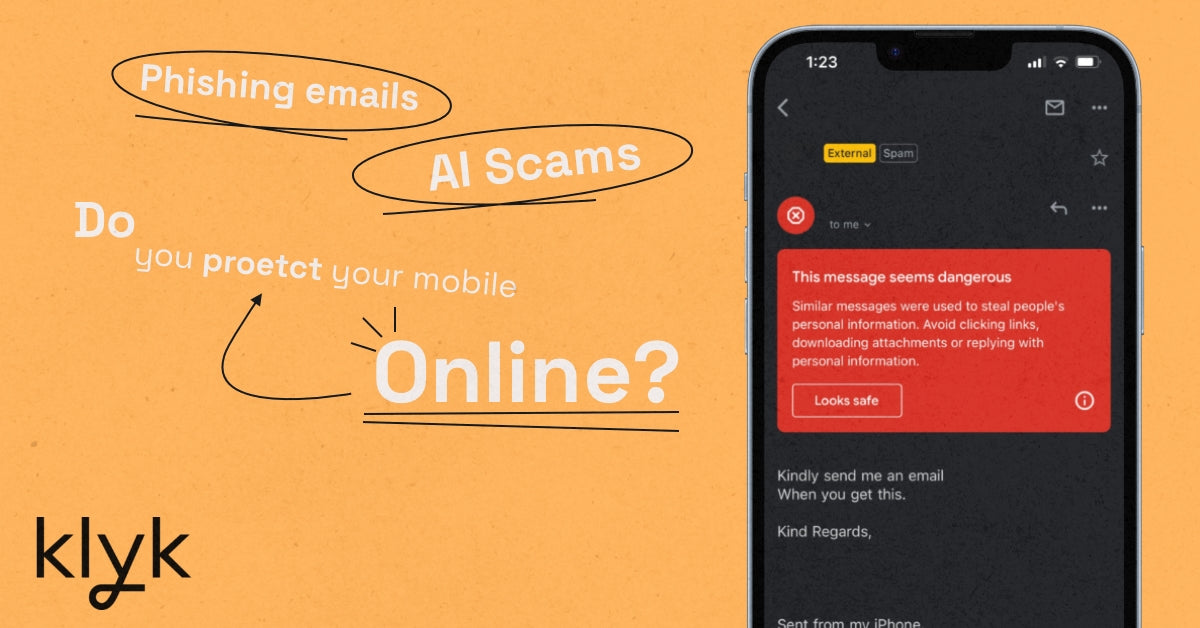
CyberStaying Safe, Avoiding AI Scams, and Protecting Your Data On Mobile
In today's digital age, mobile devices have become essential to our daily lives. From banking, personal use, and work data, we rely on them for almost everything. However, this dependence also makes us vulnerable to various security threats that can compromise our professional and personal information and privacy. This blog discusses security measures you need to take to protect yourself and your mobile devices when online and in the real world. 7 steps to protect yourself and your mobile devices whenever you're online Keep your device up to date One of the easiest ways to ensure your device's security is by keeping its software up-to-date. Manufacturers regularly release updates to fix security vulnerabilities and improve performance. You can switch on automatic updates to ensure your device always has the latest software and security patches. Use a strong, unique password Your device's password is the first line of defence against unauthorised access. Use a strong, unique password with a mix of upper and lowercase letters, numbers, and special characters. Avoid using easily guessable passwords like "123456" or "password." Additionally, don't reuse passwords across different accounts and devices. Always lock your device when not in use to prevent unauthorised access. Use biometric security features like fingerprint or facial recognition, if available, for added security. Install a reliable antivirus app A good antivirus app can help protect your device from malware, viruses, and other threats. Choose a reputable antivirus app from a trusted source and keep it updated to ensure maximum protection. Be careful with app permissions When installing apps, pay attention to the permissions they request. Only grant permissions that are necessary for the app to function and be cautious of apps that ask for excessive permissions. You can manage permissions on almost all Android and iOS device settings. Additionally, only download apps from trusted sources, such as the official app store for your device. AI Voice Dubs Another emerging threat is the use of AI-generated dubbed voices pretending to be family or friends. These voice impersonations can sound uncannily similar to your loved ones, making it difficult to discern whether the person on the other end of the line is genuine. For example, if you get a call from someone claiming to be your sibling and asking for sensitive information or financial help, you can ask them to provide the safe word. If the caller doesn't know the safe word or refuses to share it, you can conclude that the call might be a scam and take appropriate action. Be aware of phishing scams Phishing scams use deceptive emails, texts, and websites to trick users into providing sensitive information or downloading malware. Be cautious of unsolicited messages and verify the sender's identity before clicking links or downloading attachments. For example, you might receive an email from what looks like a manager or CEO asking for a paid task to be completed. Without taking extra precautions, you and whoever else received that email could become part of a scam which could hurt the company. Be cautious of your surroundings when dealing with sensitive data When showing sensitive data on your mobile device in public, you must be aware of your surroundings and take precautions such as using privacy screen protectors & password managers. Password managers are secure, encrypted storage solutions that enable users to store complex passwords and other sensitive data without having to remember them. This eliminates the risk of typing your password in public where it could be seen by potential malicious actors. Stay vigilant and proactive in protecting your personal and work devices, and enjoy the convenience of technology without compromising your security and privacy. Work with a trusted partner While there are numerous steps individuals can take to protect themselves and their devices, the landscape of cybersecurity is constantly evolving, and staying ahead of threats is a demanding task. That's where Klyk steps in. As your trusted partner for IT strategy and security, Klyk provides robust protection for your business. We stay on top of the latest trends and threats, offering advice and solutions that are tailor-made to your specific needs. We ensure that your business is not just reactive, but proactive in its approach to cybersecurity.
 Cyber
CyberWhy Data Strategy and Governance Matters for SMEs
In today's fast-paced digital world, businesses must establish effective data management. A data governance framework paves the way for data-driven decision-making and contributes to a sustainable business model by reducing your company's digital footprint. This blog covers the critical components to implement an effective data strategy. Eliminating Duplicate Systems and Data Duplicate systems and unmanaged data can wreak havoc on a company's efficiency, leading to wasted resources and confusion on the data ‘source of truth’. By eliminating multiple tools that perform the same tasks with potentially conflicting data sources, businesses can remove miscommunication and save time. Furthermore, addressing duplicate data maintains consistency and accuracy, strengthens business decisions and fosters customer trust. The Responsibility to Protect Stakeholders' Data Data security is paramount for businesses of all sizes. A robust data governance framework ensures stakeholders' sensitive information is protected, establishes trust, reduces legal risks, and helps to preserve a company's reputation. The framework should comply with data protection regulations such as the General Data Protection Regulation (GDPR) and industry-specific requirements. You must also have a defined and tested incident response plan to address any data breach to limit the damage to the business and stakeholders. Data governance in Action: Controlling Data Access Managing employee access to sensitive information is a crucial aspect of data governance. Clear data management procedures, regular access control reviews, and comprehensive training on data handling and security best practices all help businesses prevent unauthorised access. An example of how crucial this can be is the exposure if a disgruntled employee with access to social media accounts leaves your business without the proper revoking of access to systems and data. Data Governance to Enable Business Strategy Developing a comprehensive data governance framework positions a business to achieve strategic objectives. This includes defining data standards, quality requirements, architecture, compliance, analytics and reporting. The framework is underpinned by procedures, guidelines, the tools required and skills across the team members. Data is a key differentiator in the market and when the capabilities are defined and utilised, can empower service delivery. Assigning Accountability for Data Data governance also entails designating accountability for data quality, accuracy, and security. Clear lines of responsibility empower team members to uphold data integrity and enable businesses to identify and address issues promptly. For instance, a company might assign a Data Governance Manager or Data Steward to oversee specific data domains and ensure compliance with internal policies and external regulations. In the event of a data breach or non-compliance, businesses without clear accountability could face financial penalties, reputational damage, and a loss of customer trust. On the other hand, those with well-defined responsibilities can quickly address the issue, mitigate the damage, and demonstrate their commitment to data protection and transparency. Prioritising Security in Data Strategy and Governance A robust data security strategy is crucial to protect your organisation from potential breaches and create stakeholder confidence. Employing measures such as encryption, multi-factor authentication, and routine security reviews to safeguard sensitive data are all important steps to take. Moreover, emphasising employee training and awareness to reduce human error and preserve a data protection culture. By embedding security into the fabric of your data strategy and governance framework, businesses can mitigate risks and uphold a reputation for data protection. Reducing Your Digital Footprint: A Sustainable Business Practice Adopting effective data strategy and governance practices streamlines your operations, and contributes to a sustainable business model. By efficiently managing data, companies can reduce their digital footprint thereby decreasing energy consumption. It’s a key step in your sustainable tech journey, demonstrating commitment to responsible business practices. Choose Klyk: Your Trusted Partner for Data Strategy and Governance Klyk is the perfect partner for businesses seeking to implement cutting-edge data strategies and governance frameworks. With a proven track record and years of industry expertise, Klyk transforms companies by streamlining their operations, protecting their data, and ensuring they stay ahead in the digital landscape. Speak to us today!
 Cyber
CyberStart-ups Face Increased Cyber Threat
When starting a business, there's an endless list of things to consider. Creating a genuinely valuable product or service is going to be the highest priority. Have you created something the market needs! If your business is groundbreaking or even just new, you don’t want copy cats stealing your idea to mass produce it cheaper and more quickly. You’ll likely trademark your logo, patent your IP and make sure your brand image is secure. But does all that matter when it can all be undermined with a click of a rogue link? No matter how big you build the physical foundations for your business, unfortunately everything is at risk from a cyber attack. We know you’ve done the Google search and come across some military-grade style software and 100s of Cyber and IT policy examples, often aimed at corporate giants with extensive budgets. And quite rightly, you may have felt a bit lost or confused. We believe businesses of all sizes need to build the appropriate cyber resilience - this starts with a foundation. Whilst this will differ depending on your business and technology estate, we'd like to recommend these initial steps to get you started. 7 Steps to Establish a Cyber Foundation 1. Activate Two-Factor Authentication (2FA) Two-Factor Authentication (2FA) creates a secondary defence against any weaknesses in login credentials and allows you to act fast if a breach occurs. 2FA is customisable on most platforms allowing for great security and peace of mind that your systems and data are that much more protected. 2. Determine whether BYOD is appropriate for your business Bring your own device (BYOD) policies should be established to help manage the use of personal devices for work purposes. Start-up’s should ensure that devices used for work are secure and meet your cyber policy. There are some occasions where BYOD is not recommended, such as in highly regulated environments or if employees need to access highly sensitive or confidential information. IT policies can answer most questions about BYOD do's and don'ts, which mandate to enforce the requirements. 3. Password Manager Implementing a password manager can help small businesses manage their credentials and safeguard accounts. A password manager can help employees create and store strong passwords. You should carefully research a password manager that is suitable for your needs and can be customised to allow and disable access. 4. Securing Wi-Fi Connectivity Securing Wi-Fi connectivity is crucial for businesses. By securing your Wi-Fi, you can prevent unauthorised access and protect their data from being intercepted. With the rise of remote work, getting a VPN ensures that employees are accessing company data over a secure connection even when they are working away from the office. 5. Training & Resources By providing regular training and resources, you can empower your employees with the knowledge and skills to identify and appropriately respond to potential threats, protect their devices, data, and network. Investing in cyber awareness will safeguard your business and promote a cyber conscious culture within your organisation. 6. Turn on automatic backups By enabling automatic backups, you have the most recent copy of your document if you experience technical failure or a system is unavailable. By using cloud accounts you can make sure your work is accessible from other trusted devices if needed. You can manage device and document back ups and frequency in most system or app settings, and we also recommend doing a manual back up at least once a month. 7. Selecting the right partners Working with third-party suppliers can be an essential part of expanding your business, but its important to understand their cyber capabilities. When selecting a third-party supplier, it's crucial to thoroughly assess their cybersecurity practices and policies, as well as their adherence to relevant regulatory requirements. You should also ensure they have adequate security measures in place to protect any sensitive data or information the third-party may be handling on your behalf. In conclusion Startups face different cyber challenges compared to larger enterprises, such as not having the resources to hire a cyber security team in-house, which in itself makes a small business an easy target for the attacker. However, by defining a realistic approach to cyber resilience and following good practice - such as the above steps - businesses can start to protect themselves from cyber threats. With an IT & Cyber policy you can establish and mandate the rules for how technology and cyber are operated to protect organisational data, systems and assets. These initial steps should help your business build a cyber resilience foundation, however cyber is a journey and you constantly need to increase your resilience through governance, tools, processes and awareness. If you would like to learn more about cyber resilience and how you can incorporate it into your business, book a call with one of our experts today.